Configuring a new application always involves balancing practical utility with data security. When setting up audiobook routines specifically for attention-variable days, you might want to test specific playback features without over-sharing personal information. Establishing a privacy-first baseline helps you maintain control over device data while discovering what listening styles work best for you. Attention variability can affect how we consume media, requiring flexible tools and settings. It is important to remember that attention variability can stem from many sources. For instance, the National Institute of Mental Health (NIMH) outlines Attention-Deficit/Hyperactivity Disorder (ADHD), noting its variability. Diagnosis and treatment always belong with qualified clinicians. This guide focuses strictly on consumer device settings and app privacy, not medical guidance. Modern audio controls can support different listening rhythms while you limit unnecessary permissions and data sharing. The goal is to build a toolkit that adapts to your varying needs, empowering you to engage with literature comfortably while maintaining a strict boundary around your personal data and digital footprint.
The Need for a Privacy-First Baseline
When experimenting with different media consumption habits, it is easy to inadvertently grant an application broad access to your personal life. Audiobook apps often ask for permissions that extend far beyond playing sound. They might request access to your contacts to facilitate sharing, your location to suggest regional content, or your microphone for voice commands. While these features can offer convenience, some may not be necessary for the way you plan to listen. Establishing a privacy-first baseline means defaulting to the minimum required permissions. By restricting access from the start, you protect your data from unnecessary collection. You can choose to grant a specific permission later if a feature requires it, while recognizing that revoking access does not remove data already collected under a service’s policies. Furthermore, consider the aggregate effect of data sharing. When multiple apps collect small amounts of information about your daily routines, that data can be compiled into a surprisingly detailed profile of your habits, focus patterns, and interests. By maintaining a strict privacy-first baseline across all your applications, you mitigate the risk of your personal information being monetized or mishandled by third-party data brokers.
Reviewing App Data Collection and Permissions
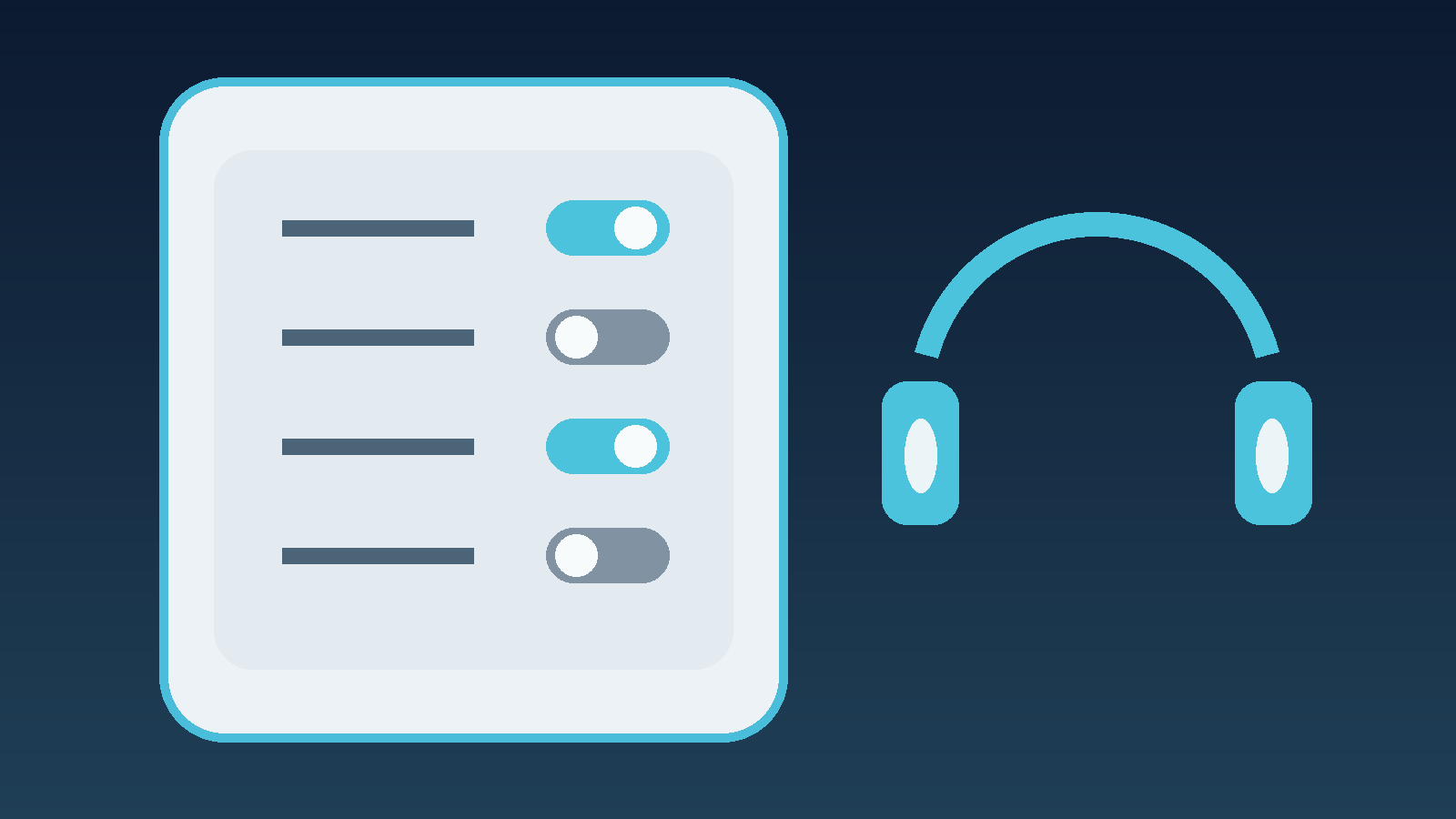
Before testing any features, systematically review what the app intends to collect. Many applications monitor background activity or track your listening habits to build targeted advertising profiles. The Federal Trade Commission (FTC) provides guidance on how apps and websites collect data, emphasizing the importance of checking privacy controls and data collection policies. Navigate to your device’s settings menu and examine the permissions requested by the audiobook application. Disable access to location services, contacts, camera, and microphone unless you have a specific, immediate need for them. If you are unsure about a platform’s data practices, apply the same caution you would use when deciding how to check an AI chatbot before you share private information. Keep your profile minimal and your permissions strict.
Conducting a Bounded Feature Trial
Finding the right listening configuration often requires experimentation. A bounded feature trial involves testing one setting at a time within a specific timeframe, rather than changing everything at once. This methodical approach helps you identify which adjustments genuinely support your focus on attention-variable days. For example, you might spend one week testing different narration speeds and the next week focusing on chapter lengths. By isolating variables, you can build a customized listening environment without becoming overwhelmed by options. During these trials, remain mindful of the app’s behavior. Does changing a setting prompt a new request for data access? Does the app attempt to push notifications more frequently? A bounded trial not only tests the feature’s utility but also monitors the application’s respect for your privacy boundaries.
Testing Features Securely
Once you are comfortable with the app’s baseline permissions, you can explore settings that might suit your daily focus levels. Consider testing these optional controls in a private session using this practical checklist:
- Samples and Chapter Lengths: Try downloading free samples first to gauge the narrator’s pacing. Opting for books with shorter, distinct chapters can make stopping and starting easier on days when sustained focus is challenging.
- Playback Speed Adjustments: Adjusting the narration speed can sometimes align better with your current processing pace. Test slower or faster rates incrementally to see what feels most comfortable.
- Bookmarks and Sleep Timers: Use digital bookmarks aggressively to mark where your attention drifted, allowing for easy backtracking. Sleep timers can prevent the book from playing for hours if you step away or fall asleep.
- Notification Controls: Disable all push notifications from the audiobook app at the OS level to reduce interruptions. Unnecessary alerts can easily derail a listening session.
- Offline Mode Testing: Download files completely and disable your device’s network connection to test if the app functions without transmitting telemetry data back to its servers.
Establishing a Private Trial Log
To evaluate what settings are actually effective, keep a small, private trial log on your local device – not in a cloud-synced document. Note which playback speeds, chapter lengths, or environments felt most manageable on specific days. Keeping the evaluation in local notes avoids adding those observations to the audiobook platform’s own note-taking features. When selecting titles to test these technical settings, HearLit’s practical guide to choosing audiobooks for ADHD listening offers suggestions on selecting engaging material to evaluate your setup.
A Robust Data-Cleanup Plan
Part of a responsible, privacy-first setup is knowing how to clean up your digital footprint. Regularly review your account settings and utilize any options to delete your listening history or clear your local cache. If an app requires an account, familiarize yourself with its account deletion process before you commit to using it long-term. Maintaining strict control here is just as important as knowing how to protect data on your devices generally. Set a calendar reminder every few months to audit the app’s permissions and check whether an update changed a setting you previously turned off. Additionally, if you decide an app is no longer serving your needs, do not simply delete the application from your device. Use the service’s documented account-deletion process, where available, and retain any confirmation of the request while reviewing the stated retention policy. Treating your data cleanup with the same intentionality as your initial setup reduces unnecessary retention and helps keep your reading habits private.
Conclusion
A privacy-first approach lets you test audiobook features on attention-variable days while limiting unnecessary data exposure. By managing baseline permissions, conducting bounded trials, controlling notifications, and using available cleanup controls, you can build a more private, customized listening environment. Taking control of device settings helps keep reading habits from being shared unnecessarily.