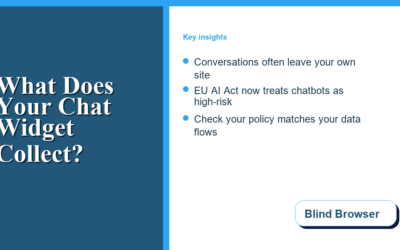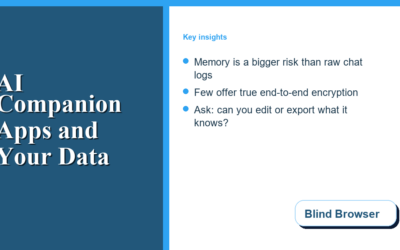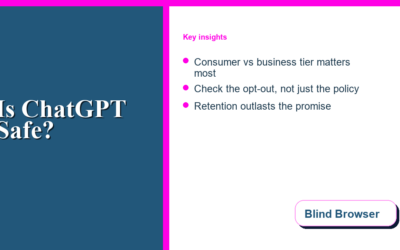
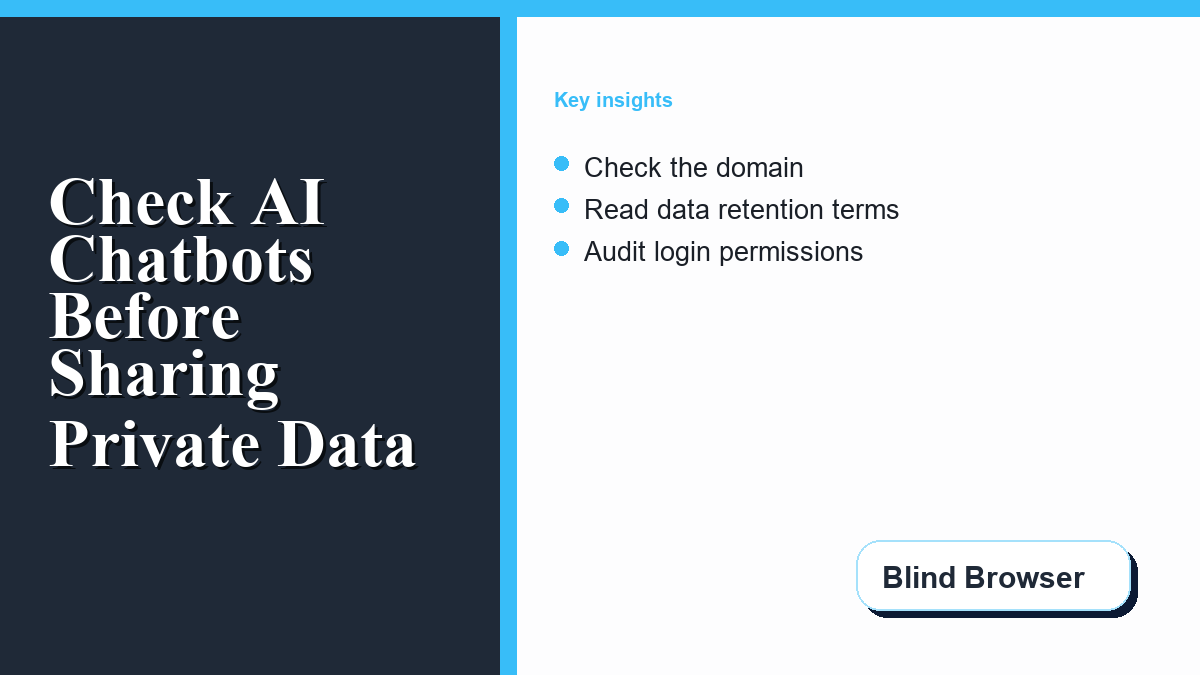
Free AI chatbots can be useful for brainstorming, rewriting, learning, and quick research, but before you test an unrestricted ai tool, check who runs it and how it handles your data. The risky part is not the chat box itself. The risky part is what happens around it: unclear owners, fake sign-in screens, aggressive ads, vague privacy policies, and prompts that quietly become stored data.
BlindBrowser readers already know that privacy is rarely about one magic tool. It is about small checks done before you hand over information. The same habit applies to AI chat. Before you paste a personal problem, customer note, private message, work document, or login-related detail into a chatbot, slow down and ask who runs the tool, what it collects, and whether the site behaves like a real service.
This guide gives you a practical review process for AI chatbot sites, including tools marketed as free, uncensored, no-login, no-filter, or unrestricted. The goal is not to scare you away from AI. The goal is to help you use it with fewer privacy surprises.
Why Some Free AI Chatbot Sites Need Extra Scrutiny
A familiar chatbot brand with clear terms, a real company page, security documentation, and account controls is different from a thin website that appears overnight and promises everything for free. A site that advertises a no-filter experience may be offering a normal model with fewer guardrails, but it may also be using the phrase to attract people who will type sensitive prompts without asking basic privacy questions.
That phrase deserves attention because “no restrictions” is often presented as a benefit. For privacy, it can also mean unclear moderation, weak abuse controls, little transparency, or a service that has no obvious reason to protect your conversations. If a chatbot site does not explain who operates it, how prompts are stored, whether human review is possible, or how to delete chat history, treat it as a public place rather than a private assistant.
The Federal Trade Commission warns consumers that phishing messages often try to create urgency, imitate trusted companies, and push people into sharing information or clicking links. The same pattern can show up around AI tools. A fake chatbot site may ask you to sign in with a social account, install a browser extension, complete a survey, or download an “AI desktop app” before you can see the answer.
Use the same privacy habits you use for secure browsing. If you need a refresher, BlindBrowser’s guide to data privacy while browsing is a good companion check before testing any unfamiliar AI site.
The Quick Check Before You Type Anything Private
Do this review before your first real prompt. It takes a few minutes and can prevent a lot of cleanup later.
| What to check | Good sign | Warning sign | What to do next |
|---|---|---|---|
| Domain and brand | The domain matches the service name and has normal about/contact pages. | The domain imitates a known AI brand or uses odd spelling. | Search the domain name separately before signing in. |
| Privacy policy | It explains prompt storage, retention, sharing, and deletion. | No policy, copied policy text, or vague “partners” language. | Do not enter personal or work information. |
| Login permissions | Only basic email/profile access is requested. | The app requests contacts, files, pages, or account management access. | Cancel the authorization flow. |
| Ads and downloads | The chat works in the browser without extra software. | Fake buttons, pop-ups, update prompts, or extension installs. | Close the tab and scan your downloads folder if you clicked anything. |
| Data controls | You can delete chats or turn off model-training use. | No settings, no export/delete option, or no account controls. | Use only low-risk test prompts. |
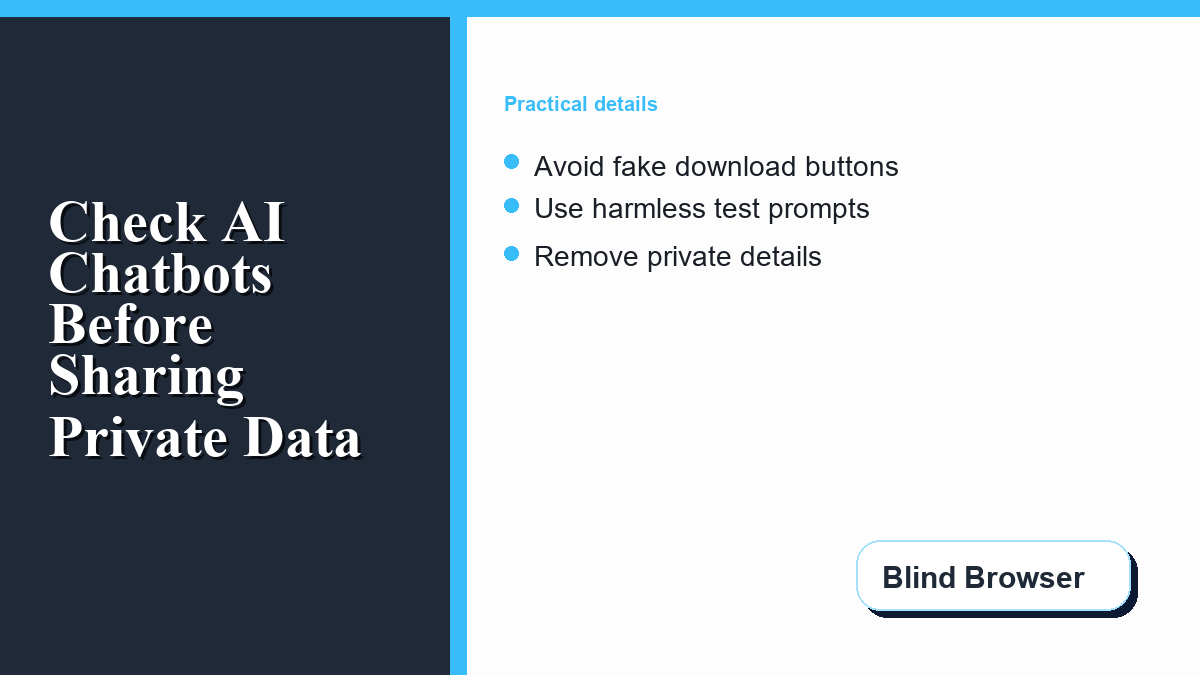
Start with a harmless prompt such as “Give me three ways to organize a grocery list.” Watch the page behavior. Does it redirect? Does it open another site? Does it hide the chat behind new ads? Does it ask for a payment card after promising free access? A legitimate tool can still be imperfect, but a privacy-risky site often reveals itself before you share anything meaningful.
What Not to Share With an AI Chatbot
Even when a chatbot appears reputable, some information should stay out of the prompt box. Avoid entering passwords, recovery codes, API keys, credit card numbers, private addresses, government ID numbers, medical details, legal disputes, unreleased business plans, customer records, and anything covered by a workplace confidentiality rule.
It is also worth avoiding full message threads. People often paste private conversations into AI tools to draft a reply. That can be helpful, but it can also expose names, phone numbers, emotional details, workplace disputes, or account clues. If you need help rewriting a message, remove identifying details first. Replace names with roles such as “manager,” “client,” or “friend.” Replace dates, addresses, invoice numbers, and screenshots with summaries.
The National Institute of Standards and Technology’s AI Risk Management Framework is built around the idea that AI risk should be governed, mapped, measured, and managed. You do not need to read a full framework before using a chatbot, but the everyday lesson is simple: know the context and the consequence before you feed information into an AI system.
CISA also recommends strong password practices for businesses and teams. That matters here because chatbot scams often overlap with account theft. If an AI site asks for a password outside a trusted login page, or if a prompt suggests entering credentials to “verify” something, stop. Chatbots do not need your password to answer questions.
How to Read a Chatbot Privacy Policy Without Getting Lost
You do not have to be a lawyer to spot a weak privacy policy. Use your browser’s find command and search for a few terms.
Search for “training” to see whether your prompts may be used to improve models. Search for “retention” to learn how long chats are stored. Search for “share” and “third party” to see whether data may move to advertising, analytics, or vendor systems. Search for “delete” to see whether there is a real path to remove your data.
Also check whether the policy names the company behind the site. A serious service usually names a legal entity and gives a contact method. A thin page that says “we respect your privacy” without explaining storage, sharing, deletion, or jurisdiction is not enough for sensitive use.
If you are comparing several AI conversation sites, keep a simple note of what each one says about storage and data use. A separate guide to evaluating an unrestricted ai chatbot can help you think through the difference between open-ended chat access and the privacy tradeoffs that sometimes come with it.
Safer Ways to Experiment With AI Chat
The safest first step is to separate experimentation from identity. Use a low-risk email alias for testing. Do not connect a new chatbot to your main Google, Facebook, Microsoft, or Apple account until you know what permissions it requests. If a tool offers guest mode, try that first with harmless prompts.
Keep personal details out of examples. Instead of pasting a real customer complaint, rewrite it as a short scenario. Instead of uploading a contract, ask for a checklist of points to review. Instead of sharing a private medical, legal, or financial situation, ask general educational questions and then speak with the appropriate professional for decisions that matter.
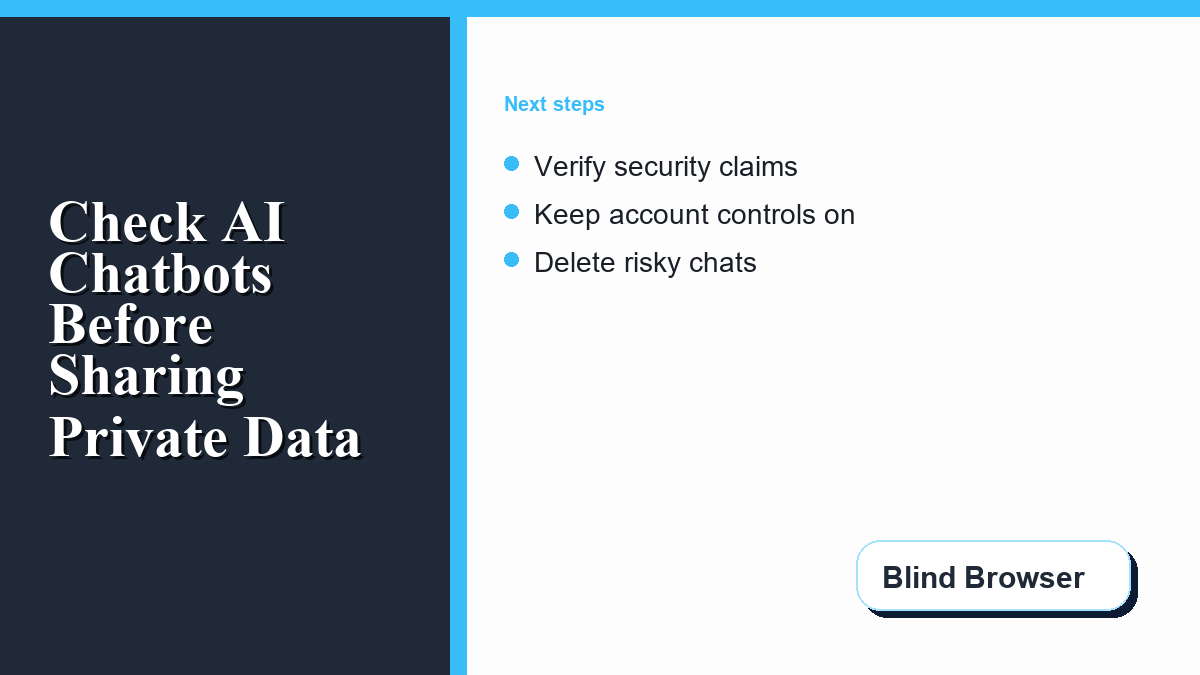
When a chatbot gives advice, verify important claims from direct sources. For scams and phishing, the FTC’s pages on recognizing phishing scams and avoiding scams are better references than an anonymous chat response. For account security, check official guidance such as CISA’s page on strong passwords. For AI risk language and organizational controls, use the NIST AI Resource Center.
Finally, make safe browsing boring and repeatable. Use a password manager, keep two-factor authentication on, update your browser, and slow down when a site pushes urgency. BlindBrowser’s list of internet safety tips for adults covers the basic habits that also protect you when testing AI tools.
A Simple Rule for Private Prompts
Before sharing anything with a chatbot, ask one question: would this cause a problem if it appeared in a database, support ticket, ad profile, screenshot, training sample, or breach notice? If the answer is yes, rewrite the prompt until it becomes generic.
AI can still be useful without your private details. Ask for structure, options, questions to consider, or a template. Keep the facts local to your notes, not inside an unknown chat site. That one habit gives you most of the benefit while reducing the biggest privacy risk.