A Facebook automatic reply can help a small team acknowledge a new message quickly, but speed is not the only goal. A useful reply should set expectations, request only the details needed for the next step, and make it easy for a person to take over. The safest way to confirm that behavior is to test the workflow with synthetic records before any real customer conversation enters it.
This guide gives business owners and operations teams a privacy-first test plan. It focuses on what the customer sees, what information the workflow collects, and where human review begins. It does not require copying a real conversation, exposing an account password, or sharing a customer identifier with a third party.
Define the outcome before testing the automation
Start with one narrow outcome. A first reply may acknowledge the message, state the expected response window, and ask the customer to choose a general topic. It should not attempt to complete a purchase, approve an account change, or resolve a sensitive request without a person.
Write the expected result in plain language. For example: “A customer who asks about availability receives one confirmation, selects a service category, and is routed to a team member without entering payment or identity documents.” This statement becomes the acceptance test for the workflow.
Use a bounded test matrix
| Test case | Expected reply | Human handoff |
|---|---|---|
| General hours question | Acknowledge and share the reviewed hours | Optional |
| Service or product question | Ask for one broad category | Required for a specific recommendation |
| Billing, refund, or account access | Confirm that a person will review it | Immediate |
| Unrecognized or incomplete message | Offer a simple retry or human-help option | Available |
Build synthetic test conversations
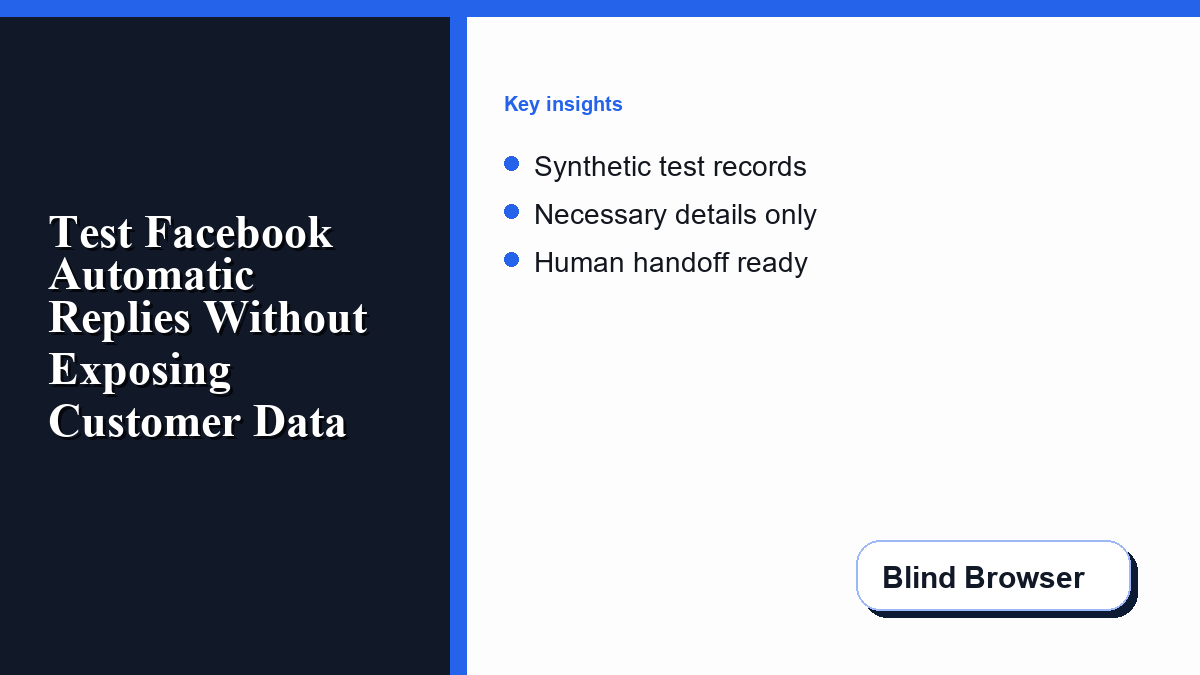
Create test messages that look realistic but contain no real personal data. Use an invented name, a non-routable example email address, a placeholder order reference, and a general service question. Never reuse screenshots, phone numbers, addresses, payment details, or support transcripts from a customer account.
Keep a short test log containing the scenario, the expected reply, the actual reply, and whether a human handoff appeared. The log should describe behavior rather than preserve the full conversation. A result such as “billing intent escalated before asking for payment information” is useful evidence without retaining the customer-style text.
Before testing, review the Page account’s privacy settings and message indicators. Blind Browser’s guide to Messenger message privacy and read receipts explains how visible status signals can affect what a person believes happened after sending a message.
Check every detail the reply requests
For each question in the automatic reply, ask whether the team needs that answer before a person responds. A first-contact workflow rarely needs a birth date, government identifier, password, full payment card, medical detail, or a copy of an identity document. If a sensitive field is not required for the immediate next step, remove it from the automated exchange.
Prefer categories over open-ended requests. “Which service are you interested in?” is safer and easier to route than “Tell us everything about your situation.” Give the customer a clear way to skip the automated questions and request a person.
Verify the reply text against four questions
- Does the reply explain why the requested detail is useful?
- Can the customer continue without providing sensitive information?
- Is the expected human response time accurate?
- Is there a visible handoff option when the workflow is uncertain?
Run the test from a separate account
Test from an account that is not the Page administrator so the experience matches what a customer is likely to see. Send one scenario at a time. Record the time of the incoming message, the first reply, each branch selected, and the point where a person is notified.
Use a reviewed Facebook Messenger automatic reply setup and troubleshooting guide when you need to compare the intended setup with common failure points. The practical goal is not merely to make a message appear. The reply must arrive once, match the right trigger, preserve the customer’s context, and stop when human judgment is needed.
Repeat the test for a normal question, an incomplete message, and a sensitive request. A workflow that passes only the easiest scenario is not ready for customers.
Inspect failure behavior, not just the happy path
Disconnect a nonessential test step, submit an unsupported phrase, and repeat a message. Confirm that the system does not send duplicate replies, loop through the same prompt, or claim that a person completed an action. A safe fallback should acknowledge the limitation and place the conversation in a review queue.
Check the experience outside business hours. If the reply promises a response “within minutes” when the team is unavailable, replace that promise with a realistic window. Clear expectations reduce repeated messages and protect trust.
Protect the handoff to a person
The handoff should include only the context needed to continue the conversation. A team member should see the topic selected, the customer’s latest message, and the point where the workflow stopped. They should not receive copied credentials, hidden account fields, or unrelated browsing data.
Assign a clear owner for each handoff state. If several people assume someone else is replying, the customer may receive no response or multiple conflicting responses. Define who monitors new conversations, who handles billing or account questions, and who reviews automation errors.
Teams evaluating automated conversation tools should also review what information a tool requests during setup. The Blind Browser article on checking a chatbot before sharing private information provides a useful permission and data-exposure checklist.
Review permissions and connected accounts
After the message flow passes, review which people and applications can manage the Page. Remove obsolete test users, confirm that current team members have only the access they need, and document who can change the reply. Do not share a single administrator password to make testing easier.
Recheck permissions after staff changes or when a connected tool is replaced. A workflow can remain technically functional while an old account still has unnecessary access. Permission review is part of launch readiness, not an optional security cleanup.
Measure useful outcomes after launch
Use a small set of measures tied to customer experience: acknowledgement time, percentage of conversations correctly routed, human takeover time, duplicate-reply rate, and the number of requests that needed more information. Avoid treating message volume alone as success.
Review a sample of conversations without exporting more customer text than necessary. Look for unclear prompts, abandoned branches, and questions that repeatedly require a person. Update one bounded part of the workflow at a time, rerun the synthetic tests, and keep a short change log.
Launch checklist
- Define one customer outcome and one accountable owner.
- Create synthetic normal, incomplete, and sensitive test cases.
- Confirm the reply asks only for necessary, low-risk details.
- Verify one reply per trigger with no loop or duplicate.
- Test a clear human handoff and realistic response window.
- Review Page roles and connected-account permissions.
- Record the result without retaining private test transcripts.
- Repeat the test after every meaningful workflow change.
Frequently asked questions
Should a Facebook automatic reply ask for payment details?
No. The first reply should route the request and explain the next step. Payment or account-specific actions belong in a reviewed, appropriate transaction flow handled by an authorized person.
Can a team test with an old customer conversation?
Use synthetic messages instead. An old conversation may contain names, order details, contact information, or other data that should not be copied into a test.
What is the most important failure test?
Confirm that an uncertain or sensitive request stops automation and reaches a person without collecting extra information or sending a misleading completion message.
How often should the workflow be retested?
Retest after any trigger, reply, permission, connected-account, or routing change. A short monthly review also helps catch team and operating-hour changes.
What should the team record after a test?
Record the scenario, expected result, actual result, handoff outcome, and any repair needed. Keep private conversation text and customer identifiers out of the test record.