Setting up business operations on a custom domain is a major step for any small team, startup, or freelance practice. Among the first tasks on an administrator’s checklist is establishing professional business email. For many organizations, Google Workspace is the preferred solution because of its familiarity, reliability, and integrated suite of productivity tools. However, as teams scale, per-user subscription costs can quickly add up, prompting administrators to search for cost-saving opportunities like a google workspace promo code or coupon before they complete their registration.
While seeking discounts is a normal budgeting practice, coupon-hunting on the modern web introduces distinct security and operational risks. The search landscape for software-as-a-service (SaaS) coupons is heavily saturated with low-quality databases, misleading click-to-reveal buttons, and aggressive adware networks. For security-minded IT administrators and privacy-conscious users, the challenge is two-fold: finding legitimate ways to reduce setup costs without compromising the security of the new domain or exposing the signup session to data harvesting. Knowing how to evaluate a google workspace promo and perform safe checkout verification is essential before entering any domain or billing credentials.
The Risks of Standard Coupon Hunting
A standard web search for software discounts often leads to directories filled with expired codes, false claims of “80% off,” or automated scripts that require users to install browser extensions. While using a google workspace coupon might seem like a quick way to save, these sites present several threats from a security perspective:
- Data Harvesting and Adware: Many coupon directories rely on complex ad networks that track users across multiple sessions. In some cases, clicking a link triggers multiple silent redirects designed to deposit affiliate tracking cookies or run background scripts that analyze browser setups.
- Phishing and Credential Risks: Some deceptive sites mimic official SaaS signup pages or billing consoles, hoping that an administrator eager for a discount will input their new domain name, contact details, or credit card information.
- Browser Extension Hijacking: Several coupon aggregators urge users to install helper extensions that promise to find the best deal automatically. These extensions often demand broad permissions to read and modify website data, allowing them to monitor cart details, search queries, and checkout interactions.
When evaluating these deals, using verified promotional channels and reputable marketing guides—such as the one published by Digital Marketing Web Design—helps ensure you are accessing active, authorized referral discounts rather than clicking through suspicious redirections.
How the Google Workspace Referral Flow Works
To verify whether a promotion is legitimate, administrators must understand the underlying mechanics of Google’s official referral program. A google workspace discount is not a generic coupon that works universally across any checkout path. Instead, they are single-use promotion codes generated through the Google Workspace Referral Program and associated with specific partner accounts. These codes are designed to provide a 10% discount on the first year of service for eligible new customer domains.
Redeeming this type of google workspace offer requires a specific order of operations:
- The Referral Link: The administrator must first access the Google Workspace sign-up flow through an active referral link. This link cookies the browser session, identifying the referral partner to Google’s billing system.
- Plan Selection: The administrator chooses between the Business Starter or Business Standard plans. Google’s annual commitment prices are typically $7 per user per month for Business Starter and $14 per user per month for Business Standard.
- The Promo Code: During the billing configuration stage—typically when setting up payment details—the administrator enters a plan-specific promotion code. For the Americas region, these codes are region-locked and plan-specific (a Business Starter code will not work on a Business Standard account).
Because these referral promo codes are single-use, they operate on a first-come, first-served basis. Once a specific code is claimed by an account at checkout, it becomes invalid for all other users. If an administrator is searching for a google workspace discount code or a plan-specific google workspace coupon code, they must use a high-quality referral directory that manages this inventory by posting lists of active codes and advising users to try subsequent codes if the first one has already been claimed by another administrator.
A Security Framework for Evaluating SaaS Promo Pages
Before clicking links or copying codes from any site, administrators should apply a basic security audit. An authentic, low-risk promotional page should meet the following criteria:
1. Secure Connections and Domain Integrity
Verify that the page uses a valid HTTPS connection secured by a reputable certificate authority. Check the domain name to ensure it belongs to an established business or technology publisher rather than a newly registered domain with a generic, hyphen-heavy name designed to hijack search traffic.
2. Plain-Text Code Presentation
Legitimate sites present codes in plain text or simple, static copyable blocks. Avoid sites that require you to click a button that opens popup windows, demands email registration, or forces you to download a file to view the code. These interactions are often covers for tracking-cookie insertion or lead-generation scraping.
3. Clear Commission Disclosures
Federal regulations and basic transparency standards require sites promoting referral links to publish clear affiliate disclosures. A trustworthy resource will openly state that they receive a referral benefit or commission if you sign up using their link. The absence of a disclosure on a commercial recommendation site is a red flag indicating a lack of compliance and professional oversight.
4. Realistic Math and Pricing
Be skeptical of pages claiming extreme or permanent discounts. Google’s public pricing is transparent. A valid 10% first-year referral discount reduces the effective rate to $6.30 per user per month for Business Starter and $12.60 per user per month for Business Standard. Any claim of a permanent 50% discount or free lifetime access is deceptive and suggests a high risk of ad fraud or phishing.
Safe Checkout Practices for IT Administrators
Once you have located a verified google workspace referral code and are ready to proceed with the Workspace setup, implement these best practices to keep the session secure:
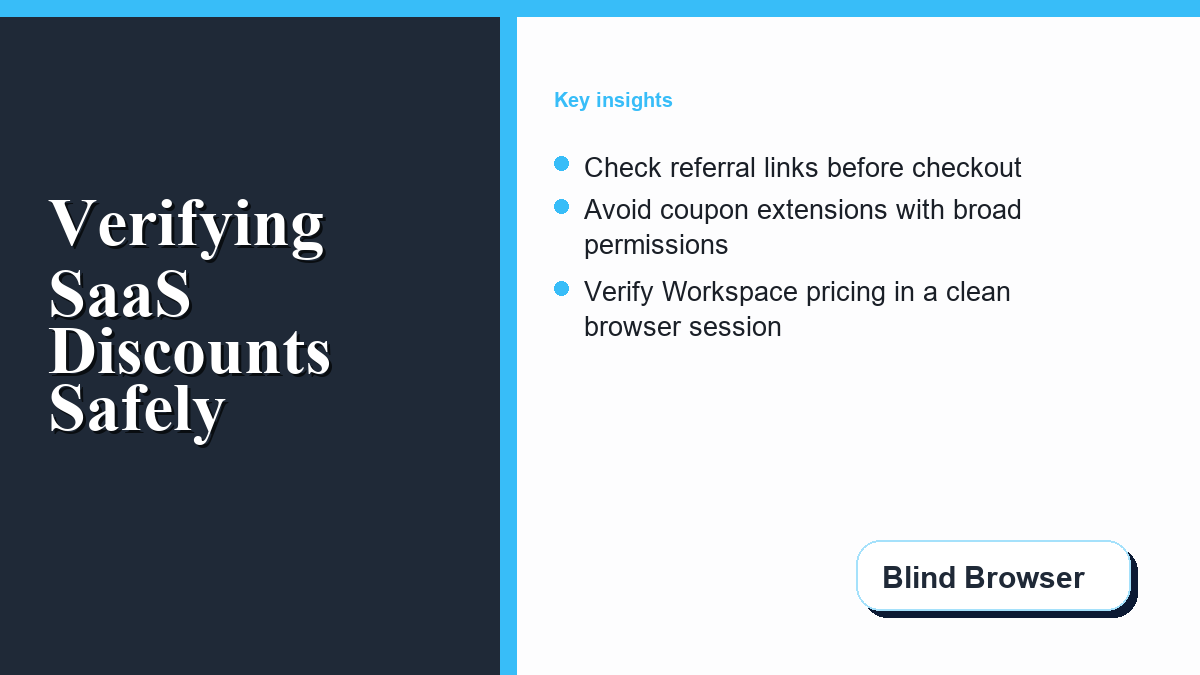
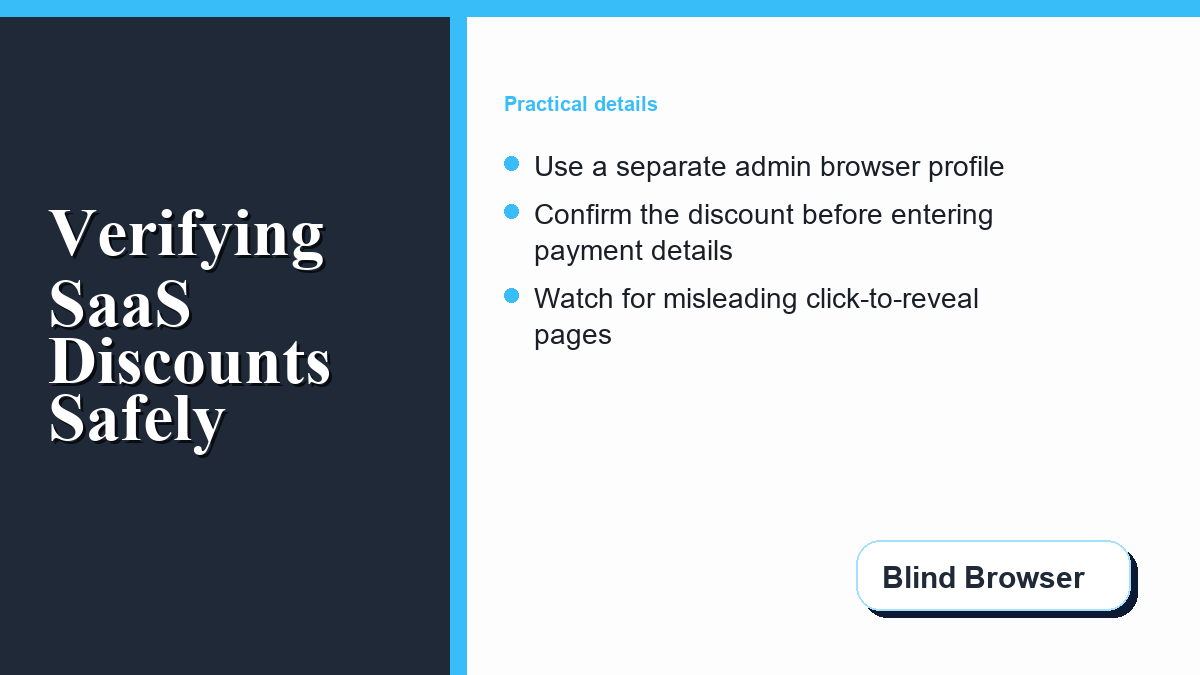
- Use an Isolated Browser Session: Open the referral link and complete the sign-up process in a clean incognito or private browsing window. This prevents active browser extensions from interfering with the referral tracking cookies or capturing payment inputs.
- Disable Coupon-Scraping Extensions: Temporarily disable extensions that automatically inject codes. These extensions can overwrite the referral session cookies with their own affiliate links, nullifying the specific promotion code you entered and potentially leaking your cart metadata.
- Confirm Before Completing: Do not submit your credit card or complete the transaction if the Google billing console shows a coupon error or does not display the promotional adjustment. If a code fails, it has likely been claimed by someone else. Cancel the checkout path, return to your code list, copy the next available code for your plan tier, and input it into the Promotion Code field.
- Double-Check the Region: Ensure your business billing address matches the region for which the code was generated. United States and Canada accounts require Americas-region codes. Applying a code from the wrong region will result in an “invalid code” error at checkout.
By combining basic cyber hygiene with a clear understanding of the referral flow, administrators can safely minimize their initial SaaS setup costs. Taking an extra minute to verify the source of a discount code ensures your domain setup remains secure and professional from day one.
System administrators must remain vigilant when evaluating promotional portals, as many third-party aggregators employ deceptive tracking methods to capture corporate credentials. Before rushing into a checkout process, you should carefully work out what Workspace will cost per seat using verified pricing charts instead of relying on dubious third-party claims. Following a strict security framework keeps your procurement cycle safe from phishing attempts while ensuring reliable software deployment.