When you send a message online, you might assume it stays private and under your control. However, if you need to delete messenger messages from both sides on platforms like Facebook Messenger, you will quickly discover that digital communication has clear limitations.
Understanding how messaging apps handle your data is a key aspect of protecting yourself online. While modern tools offer features to control chat logs, there is no magic button that completely erases a sent message from another person’s device once it has been read, captured, or saved. Managing message privacy is not about finding loopholes or hiding bad behavior; it is about knowing how these platforms function so you can make informed decisions before hitting send. The practical goal is to understand how Facebook Messenger handles sent, delivered, and read statuses, where the unsend feature stops, how disappearing messages function, and which steps can keep your conversations safer in 2026.
Understanding Messenger Read Receipts and Delivery Indicators
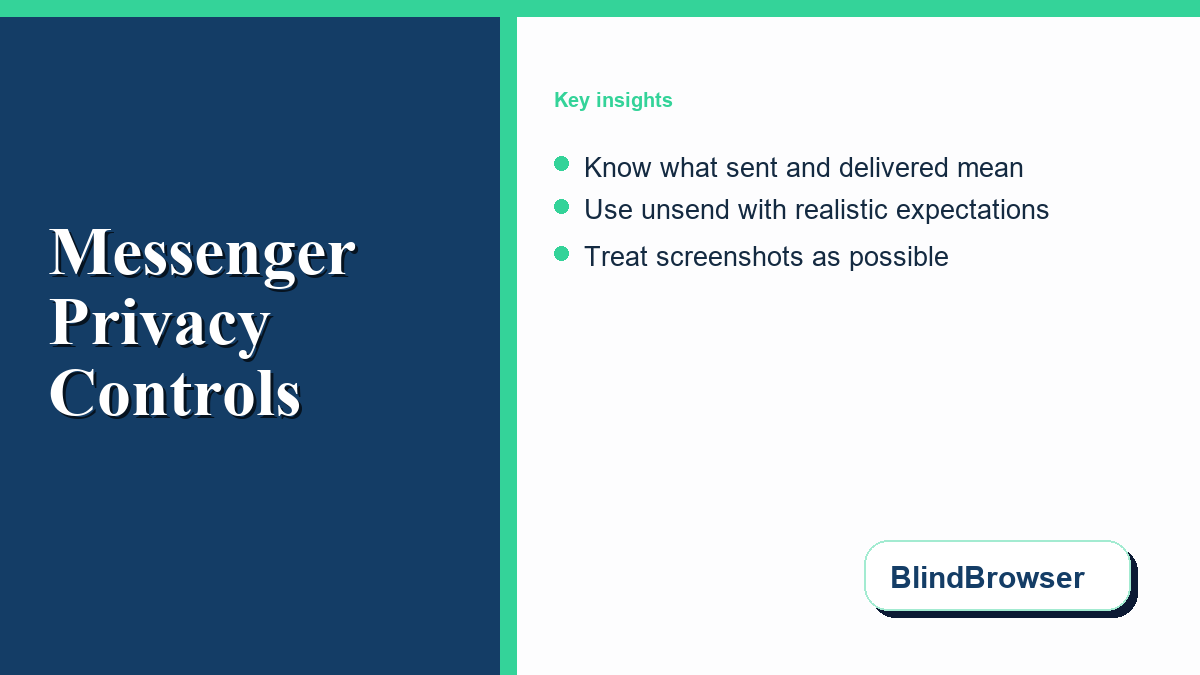
For many Messenger users, the various icons that appear next to a sent message can be confusing. These status indicators show whether a message is still in transit, has reached the recipient’s device, or has been viewed. For instance, knowing the difference between sent vs delivered fb messenger icons helps you verify whether your message has actually reached the recipient’s device or if they are simply offline. The interface uses specific shapes to convey this status: a simple blue or grey ring indicates that the message is still sending, a ring with a checkmark means the message has been sent from your device, a filled-in blue or grey circle with a checkmark means the message was delivered to the recipient’s phone or computer, and a small version of the recipient’s profile picture shows that they have seen it.
However, these status icons do not paint a complete picture of whether someone has actually read or ignored your message. Some users employ workarounds, such as reading messages from their lock screen notifications or putting their device in airplane mode, to view incoming text without triggering the “seen” indicator. Meta’s official guide to Messenger sent, delivered, and seen indicators explains the basic symbols, but those symbols still cannot tell you what happened off-screen. Someone may have previewed a notification, switched devices, filtered the conversation, or decided to answer later.
It is also important to recognize that a message marked as “delivered” does not prove that the recipient has open access to it. If a user has ignored or filtered your conversation, the message may sit in their Message Requests folder. In this state, the app may show the message as delivered to them, but they will not receive a push notification, and they can read it without you receiving a read receipt. Knowing these nuances helps manage expectations and reduces the anxiety often associated with waiting for a reply.
Unsending and Removing Messages: Limits and Realities
When you send a message by mistake or regret its contents, Messenger offers a feature that allows you to retract it. There are two primary options when you tap and hold a message: “Unsend” (which removes the message for everyone in the chat) and “Remove for you” (which only hides it from your own view). The official guide on how to unsend messages details the steps to use this feature, but it is critical to understand its practical limits.
First, the unsend action does not erase the past. If the recipient was actively looking at the screen or had their notification panel open when the message arrived, they likely read the contents before you could tap unsend. Furthermore, unsending a message does not leave a blank space; instead, it leaves a public note in the chat history that reads “You unsent a message.” This notice is visible to all participants, which can spark curiosity or lead to questions. It serves as a digital footprint showing that something was sent and subsequently withdrawn.
Second, unsending should not be treated as a way to escape accountability. If a recipient believes a message violated platform rules, they can still report the conversation or preserve what they saw through screenshots, notifications, or another device. Meta’s unsend guidance explains the user-facing removal step, but the practical privacy lesson is simpler: unsending is best understood as a tool for correcting minor typos or accidental sends, not as a reliable method for erasing communication history.
Disappearing Messages and End-to-End Encryption
To address the desire for more ephemeral conversations, Messenger includes options for disappearing messages and end-to-end encrypted chats. By default, standard Messenger chats are designed for cross-device access. However, you can opt for end-to-end encrypted chats, which keep message contents protected so only the participating devices can read them. Within these secure chats, you can enable disappearing messages, which automatically delete themselves after a set period, ranging from a few seconds to a day.
To set up these features, users can refer to the official instructions for disappearing messages on Messenger and learn more about how security is maintained by reading the guide on secret conversations and encryption. These features are useful for reducing the long-term digital footprint of casual conversations, but they do not promise absolute privacy. They are design choices that minimize storage footprint, but they cannot control human behavior.
For example, if you send a disappearing message, the recipient can bypass the expiration timer by taking a screenshot or a screen recording before the message vanishes. While Messenger attempts to notify you if a screenshot is taken in an active end-to-end encrypted chat with disappearing messages enabled, this notification is not infallible. A user can simply use another device, such as a camera or another smartphone, to take a physical photo of their screen without triggering any app-based alerts. They can also manually copy and paste the text into another document. For this reason, ephemeral messaging features should not be viewed as a substitute for trust. If you are sharing sensitive personal information, keep it limited to people you trust, and use effective strategies for ensuring data privacy while browsing and communicating online.
Practical Steps to Manage Chat Privacy and Security
Protecting your personal conversations requires a mix of utilizing built-in platform settings and practicing good digital hygiene. Below is a comparison table outlining how different Messenger communication modes handle message visibility and storage. Understanding these differences helps you select the right tool for your specific privacy needs.
| Feature/Capability | Standard Chats | Disappearing Messages | Unsent Messages |
|---|---|---|---|
| Server Storage | Designed for cross-device access | Stored temporarily, then deleted | Removed from the visible thread after unsend |
| Recipient Device Copy | Persistent until deleted by user | Deleted automatically after timer expires | Deleted from recipient screen |
| Screenshot Notification | No notification | Yes (in encrypted chats) | No (unsending does not notify of prior screenshots) |
| Placeholder Remaining | None (if deleted locally) | None | Shows “Message unsent” notification |
| Report Inclusion | Yes, can be reported | Yes, if reported before expiration | Yes, included if reported within a short window |
In addition to choosing the right chat mode, you should review your overall account security settings regularly. Enable two-factor authentication on your main Facebook account to reduce the risk of unauthorized access to your chat logs. If someone else logs into your account, they may be able to view standard chat history or request account data. Meta also explains how secure storage for encrypted Messenger chats affects backup access across devices. You can also manage which devices are actively logged in under your Account Settings and force logouts on unrecognized devices. By combining these settings with regular app updates, you keep security patches and privacy controls current on your device.
The Limits of Control in Digital Communication
A fundamental rule of the internet is that once information leaves your physical control, you may not be able to fully reclaim it. Even with features like end-to-end encryption, unsending, and vanishing text, your privacy ultimately relies on the behavior of the person on the other end of the screen. If they choose to share your messages, show their screen to someone else, or export their data, your words can still be exposed. Understanding this shift in ownership is essential for navigating digital conversations safely.
When you communicate online, it is best to assume that anything you write could potentially become public. This mindset encourages cautious sharing. Avoid sending sensitive credentials, financial details, or highly personal photos over standard chat platforms. If you need to exchange sensitive data, consider doing so in person, or use specialized secure communication tools designed specifically for high-security environments. By recognizing the physical and behavioral limits of digital privacy features, you can protect your personal information while maintaining healthy, open communication with friends and family in 2026.